
Chema Consultant
Advanced engineering calculations
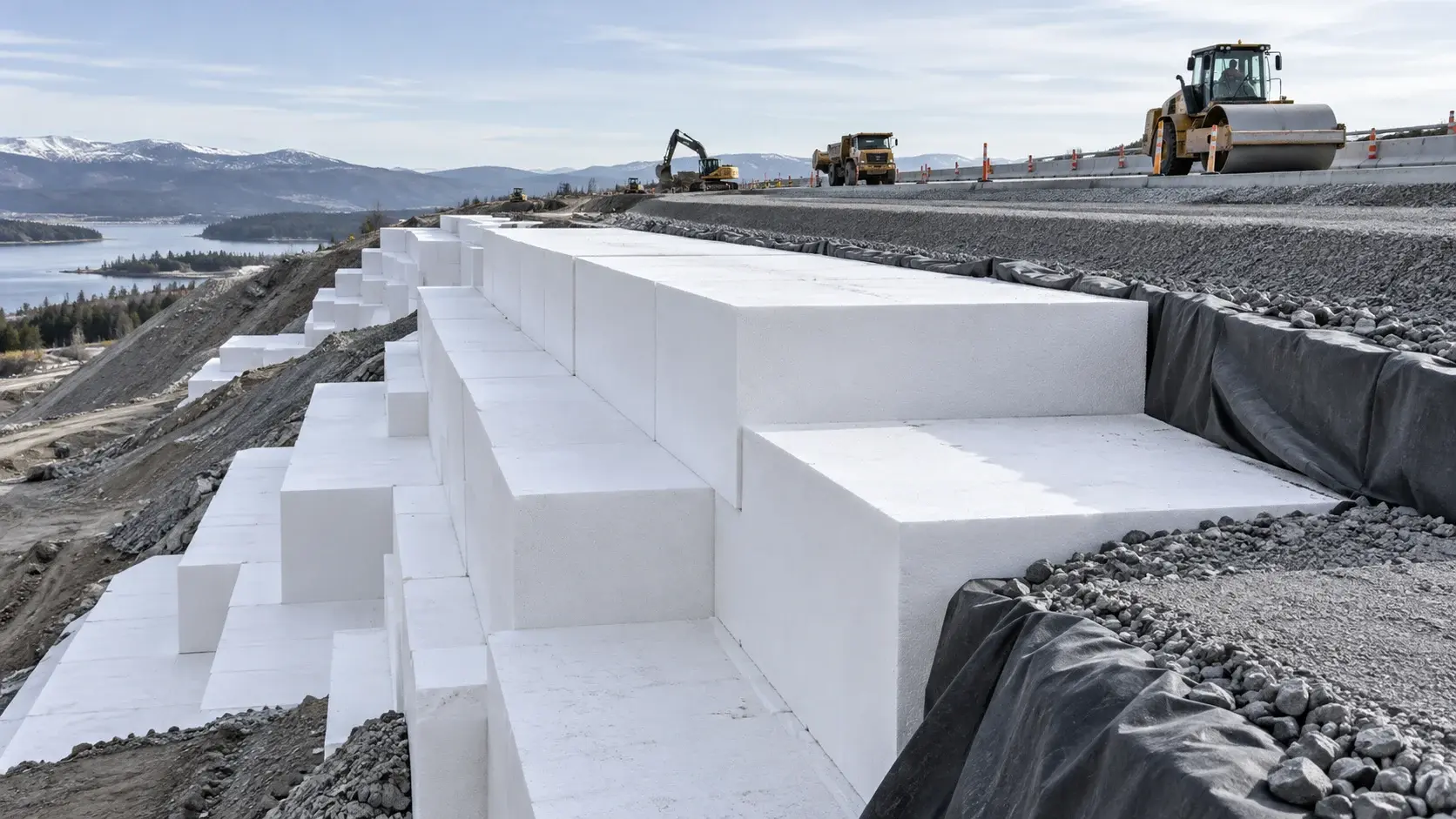
Dedicated calculation workspace for complex geotechnical, structural, and marine applications — built for consultants, structural engineers, and technical offices.
Load-bearing, buoyancy, density, and engineering plot outputs.
Send structured engineering parameters straight to our technical desk.
Select Application
Geotechnical Engineering & Quantity Design
Geotechnical Design & Quantity Estimate
Select your calculation mode, geotechnical application, fill height or stress target, and project area, then press Calculate to generate the Chema Geo Foam grade schedule, stress reduction, and block quantities.
Your Saved Calculations 0 / 8
Keep up to eight recent estimates. Open a card to review or load it into the calculator.
Your calculations will appear here after you calculate.
How Chema Consultant works
- 1
Choose engineering discipline
Select geotechnical geofoam, advanced construction systems, or marine walkway solutions.
- 2
Define loads & geometry
Configure structural dimensions, densities, loading scenarios, and engineering parameters.
- 3
Review output & submit
Inspect engineering curves and quantities, then forward directly to our technical desk for submittal review.
Need full technical submittals?
Explore our certified product systems, datasheets (TDS), and material specifications for consultant approval.
Direct consultation with our engineers
Share your structural drawings, soil reports, or project BoQ for a bespoke engineering review.
Frequently asked questions
Are Chemasure quantities final?
The calculator estimates quantities using area, coverage and waste allowance. Confirm material coverage and quantities with the technical team before ordering.
How do I request a quotation?
Use Request a quote to prepare an email with your project and material requirements. You review and send it from your own email application.
What is Chemasure used for?
Use it to explore supported applications and estimate quantities for preliminary planning.
What should I prepare before using a calculator?
Have the measured dimensions, intended application and any required inputs such as layers or allowances.
How should I use estimated quantities?
Verify the inputs and units and check the result against the actual site and specified product before ordering.